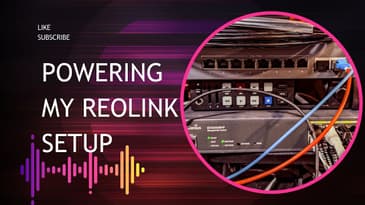
You’ll see:
What’s inside the boxes for the Grandstream PoE switch, Camplex fiber, and Ubiquiti SFP+ modules
How each piece fits into the overall design for powering and backhauling multiple Reolink PoE IP cameras to the NVR
My first impressions on build quality, features, and how “pro” this setup really feels for a home/small business install
If you’re running Reolink cameras, planning a NVR‑based system, or just love smart network upgrades with PoE and fiber, this is your blueprint. Drop your questions in the comments—switch config, SFP+ setup, fiber runs, bandwidth, or camera performance—and I’ll cover them in follow‑up videos as this system goes live.
Like, subscribe, and hit the bell so you don’t miss the full install, configuration walk‑through, and real‑world performance tests of this upgraded Reolink security network.
Grandstream: https://www.bhphotovideo.com/find/order-history.jsp#/915485203I&src=reg
Camplex: https://www.bhphotovideo.com/c/product/1255962-REG/camplex_hf_ts02lc_0050_2_channel_lc_single_mode_fiber.html
Ubiquiti: https://www.bhphotovideo.com/c/product/1711527-REG/ubiquiti_networks_uacc_om_mm_10g_d_2_10gbps_multi_mode_optical.html
Reolink NVR review: https://the-gadgeteer.com/2024/03/10/reolink-duo-3-poe-security-camera-and-argus-track-wifi-camera-review-with-their-nvr-you-can-keep-an-eye-on-your-property/
My other Reolink Cameras:
https://www.amazon.com/dp/B0B4S6F749?ref_=ppx_hzsearch_conn_dt_b_fed_asin_title_1
https://www.amazon.com/dp/B0CM39K7CB?ref_=ppx_hzsearch_conn_dt_b_fed_asin_title_5
https://www.amazon.com/dp/B0BWJPNRK9?ref_=ppx_hzsearch_conn_dt_b_fed_asin_title_2&th=1